

How to Create AI-Powered Customer Experiences in 5 Minutes (No Tech Skills Required)
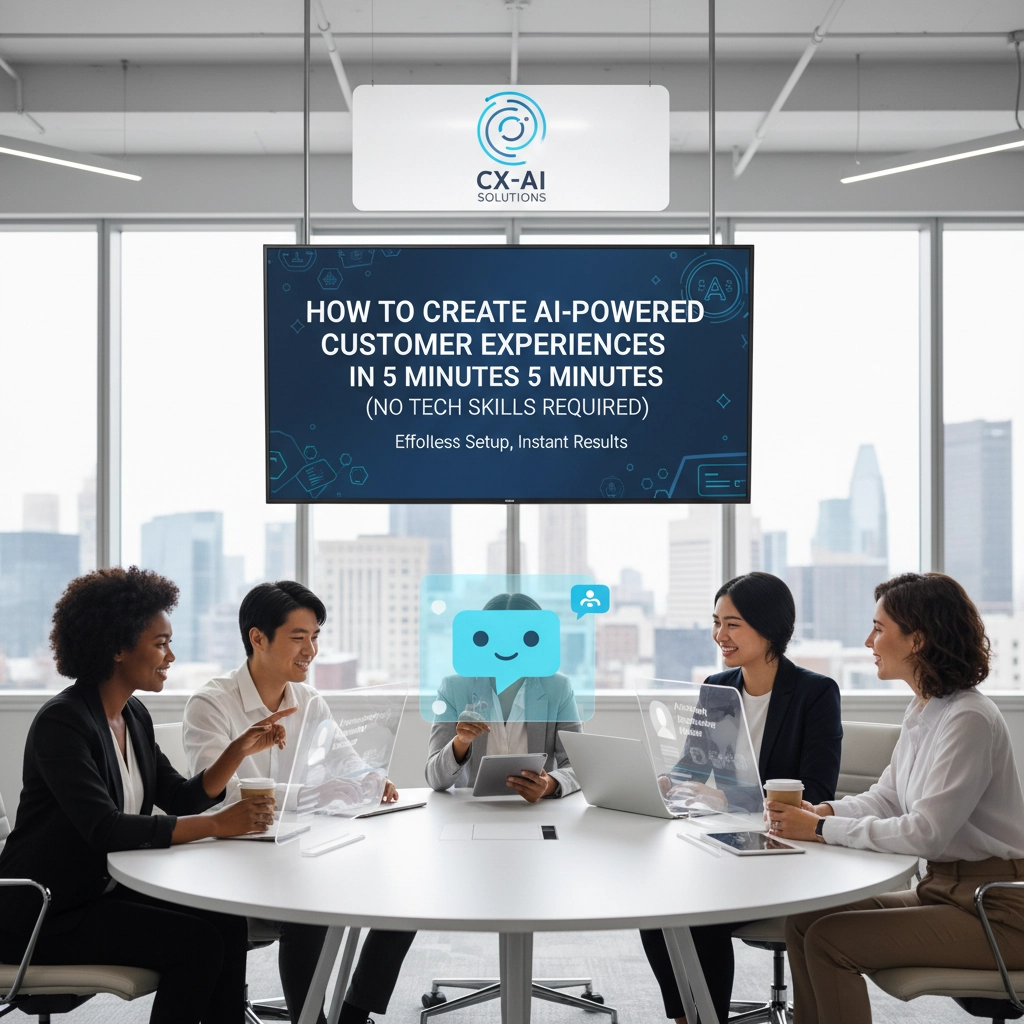
Look, I get it. When someone says "AI-powered customer experiences," your brain probably jumps to complex coding, expensive developers, and months of implementation. But here's the thing – that's old school thinking. Today, you can literally build sophisticated AI customer experiences faster than it takes to grab a coffee.
No kidding. Five minutes. No coding required.
The game has completely changed, and businesses that don't adapt are getting left behind. While your competitors are still debating whether AI is "worth the investment," you could already be serving customers with intelligent, automated experiences that work 24/7.
What Are AI-Powered Customer Experiences Anyway?
Before we dive into the how-to, let's get clear on what we're talking about. AI-powered customer experiences are basically smart, automated touchpoints that understand what your customers need and respond accordingly. Think chatbots that actually understand context, virtual assistants that can solve real problems, and automated workflows that make your customers' lives easier.
The beauty of modern AI tools is that they're not just keyword-matching robots anymore. These systems actually understand intent, context, and can carry on meaningful conversations that feel natural.
The 5-Minute Setup: Your Step-by-Step Guide
Here's where things get exciting. Let me walk you through creating your first AI customer experience in real-time.
Step 1: Choose Your No-Code Platform (30 seconds)
First, you need a platform that does the heavy lifting. Tools like Denser.ai, Chatfuel, or ManyChat are perfect for beginners. These platforms offer drag-and-drop interfaces that make building AI experiences as easy as creating a PowerPoint presentation.
At 4Us Digital, we've tested dozens of these platforms, and the key is finding one that integrates smoothly with your existing setup.

Step 2: Define Your AI's Purpose (1 minute)
This is crucial. Your AI needs a clear job description. Ask yourself:
- What questions do customers ask most often?
- What tasks eat up your team's time?
- Where do customers get stuck in your process?
Maybe you want your AI to handle appointment bookings, answer product questions, or guide users through your signup process. Pick one specific goal for your first AI experience.
Step 3: Create Your Conversation Flow (2 minutes)
Here's where the magic happens. Most no-code platforms let you map out conversations visually. You're essentially creating a flowchart:
"Welcome! How can I help you today?"
→ If customer says "pricing" → Show pricing info
→ If customer says "support" → Collect details and create ticket
→ If customer says "demo" → Book demo appointment
The best part? You can start simple and add complexity later. Your AI learns and improves over time, just like the advanced systems we develop for clients at 4Us Digital.
Step 4: Customize the Experience (1 minute)
Make it yours. Upload your logo, match your brand colors, and set the tone. Whether you're professional, casual, or somewhere in between, your AI should sound like your brand.
Pro tip: Write responses the way your best customer service rep would speak. That natural, helpful voice makes all the difference.
Step 5: Test and Deploy (30 seconds)
Run through your conversation flow yourself. Act like a customer and try to break it. Once you're happy, most platforms give you a simple embed code to add to your Website.
That's it. Five minutes, and you've got an AI-powered customer experience running.
Real-World Examples That Work
Let me share some examples I've seen work incredibly well:
E-commerce Store: A clothing retailer created an AI that helps customers find the right size by asking three simple questions. Result? 40% reduction in returns and happier customers.
Service Business: A local plumber built an AI that qualifies emergency calls and books appointments. Now they capture leads 24/7, even when the office is closed.
SaaS Company: A software company's AI guides new users through setup and answers common technical questions. Their support tickets dropped by 60%.
The beauty of these solutions is their simplicity. They're not trying to replace human interaction entirely – they're making it more efficient and valuable.

Tools That Make It Happen
While there are tons of options, here are the platforms that consistently deliver results:
Chatfuel – Great for Facebook Messenger integration and social commerce. Perfect if your customers hang out on social media.
ManyChat – Powerful automation features and excellent analytics. You can see exactly how your AI performs and optimize accordingly.
Denser.ai – Specializes in intelligent, context-aware conversations. Less about keyword matching, more about understanding intent.
Zendesk's Answer Bot – If you're already using Zendesk, this integrates seamlessly and learns from your existing help articles.
The team at 4Us Digital often recommends starting with one platform and expanding from there. Don't try to be everywhere at once.
The Business Impact You Can Expect
Here's what typically happens when businesses implement AI-powered customer experiences:
Response Times Drop to Seconds: Instead of waiting hours or days for email responses, customers get instant help. This alone can transform customer satisfaction scores.
Support Costs Plummet: One client reduced their support team workload by 70% while actually improving customer satisfaction. The AI handles routine questions, letting humans focus on complex issues.
Lead Capture Improves Dramatically: AI doesn't sleep, take breaks, or forget to follow up. It's capturing and qualifying leads around the clock.
Customer Data Gets Better: Every interaction feeds valuable data back into your system. You start understanding customer needs and pain points like never before.
As digital Marketing expert Sarah Johnson notes, "The businesses winning today aren't necessarily the ones with the biggest budgets – they're the ones using AI to be available, helpful, and responsive 24/7."

Advanced Features You Can Add Later
Once you've got the basics running, there are some incredible advanced features you can layer on:
Multi-language Support: Serve customers in their preferred language automatically.
Integration with Your CRM: Have your AI create leads, update customer records, and trigger follow-up sequences.
Voice Capabilities: Let customers speak their questions instead of typing.
Predictive Responses: AI that anticipates what customers need based on their behavior patterns.
The platforms at 4Us Digital often incorporate these advanced features, but the key is starting simple and building complexity gradually.
Common Mistakes to Avoid
After helping dozens of businesses implement AI customer experiences, I've seen the same mistakes over and over:
Trying to Do Too Much: Don't build a customer service encyclopedia on day one. Start with your top 3-5 customer questions and nail those.
Forgetting the Human Backup: Always provide an easy way for customers to reach a human when the AI can't help.
Not Testing Enough: Your AI will say weird things if you don't test thoroughly. Spend extra time in the testing phase.
Ignoring Mobile: Over 60% of customer interactions happen on mobile devices. Make sure your AI experience works perfectly on phones.
The Competitive Advantage
Here's something most businesses don't realize: implementing AI-powered customer experiences isn't just about efficiency – it's about competitive positioning. When customers compare you to competitors, instant, intelligent responses make you look more professional, more established, and more customer-focused.
The businesses working with 4Us Digital consistently report that their AI implementations become major selling points in their sales processes.
Your Next Steps
Ready to get started? Here's your action plan:
- Pick one customer pain point to solve with AI
- Choose a no-code platform that fits your budget and needs
- Spend 5 minutes building your first experience
- Test it thoroughly with real scenarios
- Deploy and monitor the results
Don't overcomplicate this. The best AI customer experience is the one that actually gets built and deployed.
Take Action Today
Stop putting this off. In the time it took you to read this article, you could have already built your first AI customer experience. The tools are ready, the technology works, and your customers are waiting.
Ready to transform your customer experience with AI? Join thousands of businesses already using intelligent automation to serve customers better, faster, and more efficiently.
Or if you want to explore more advanced AI solutions tailored specifically for your business, check out our AI platform and see what's possible when you combine no-code simplicity with professional-grade results.
The five-minute revolution starts now. What are you waiting for?